
Voice Salad
Interviews in, transcripts out. Timestamped, with speaker names, and your recordings never leave your Mac.
- Platform
- macOS 15.6 or later
- Languages
- Romanian, English
- Output
- Plain text, timestamped
- Data collected
- None
Nothing leaves your Mac
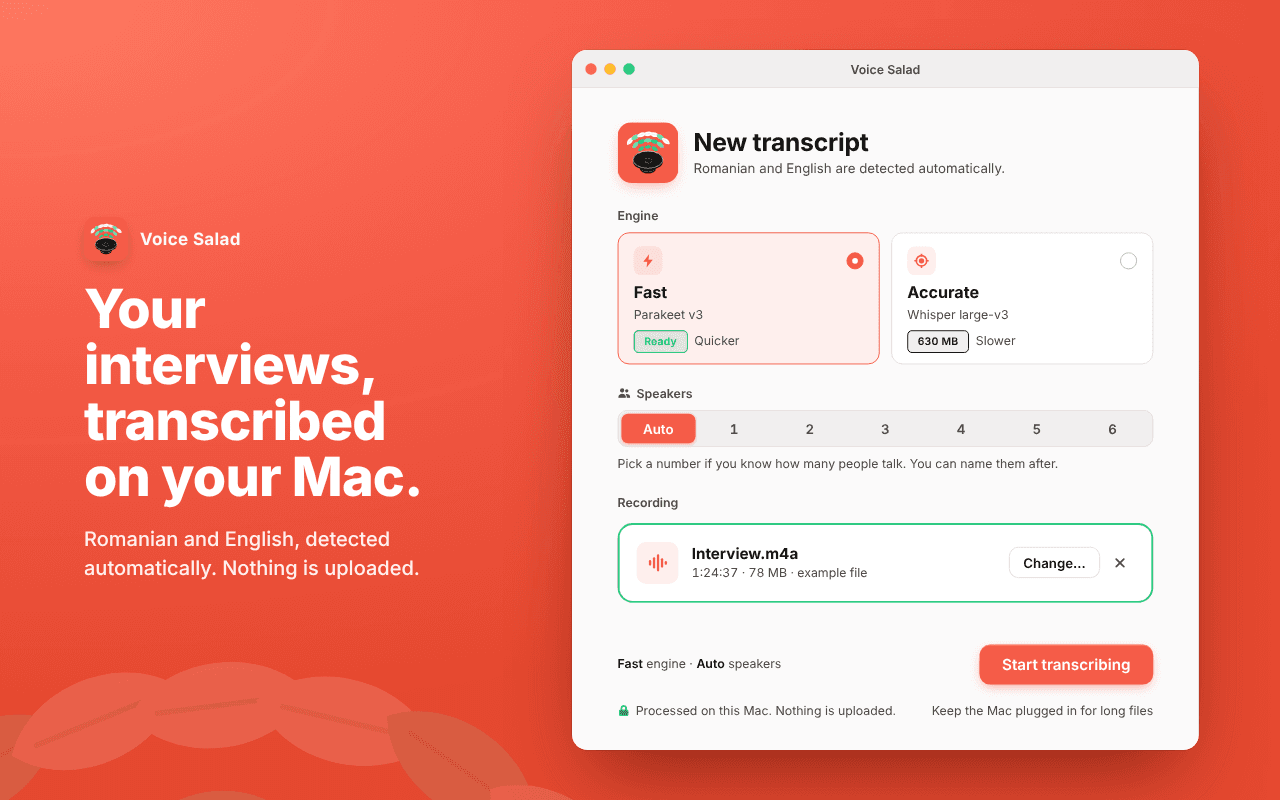
Audio is processed on your Mac. After a one-time model download it works fully offline. No account, no uploads.
Romanian and English
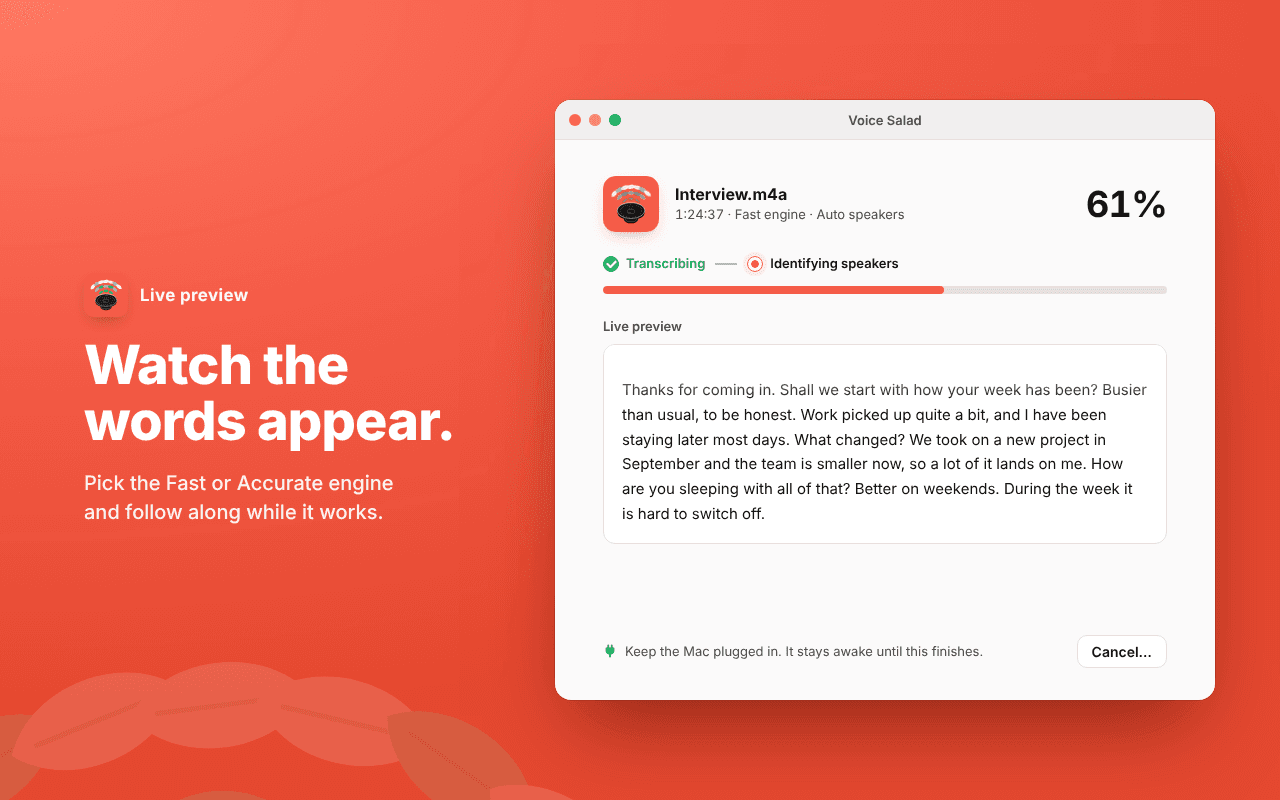
Detected automatically. Pick Fast for quick results, or Accurate for tougher recordings.
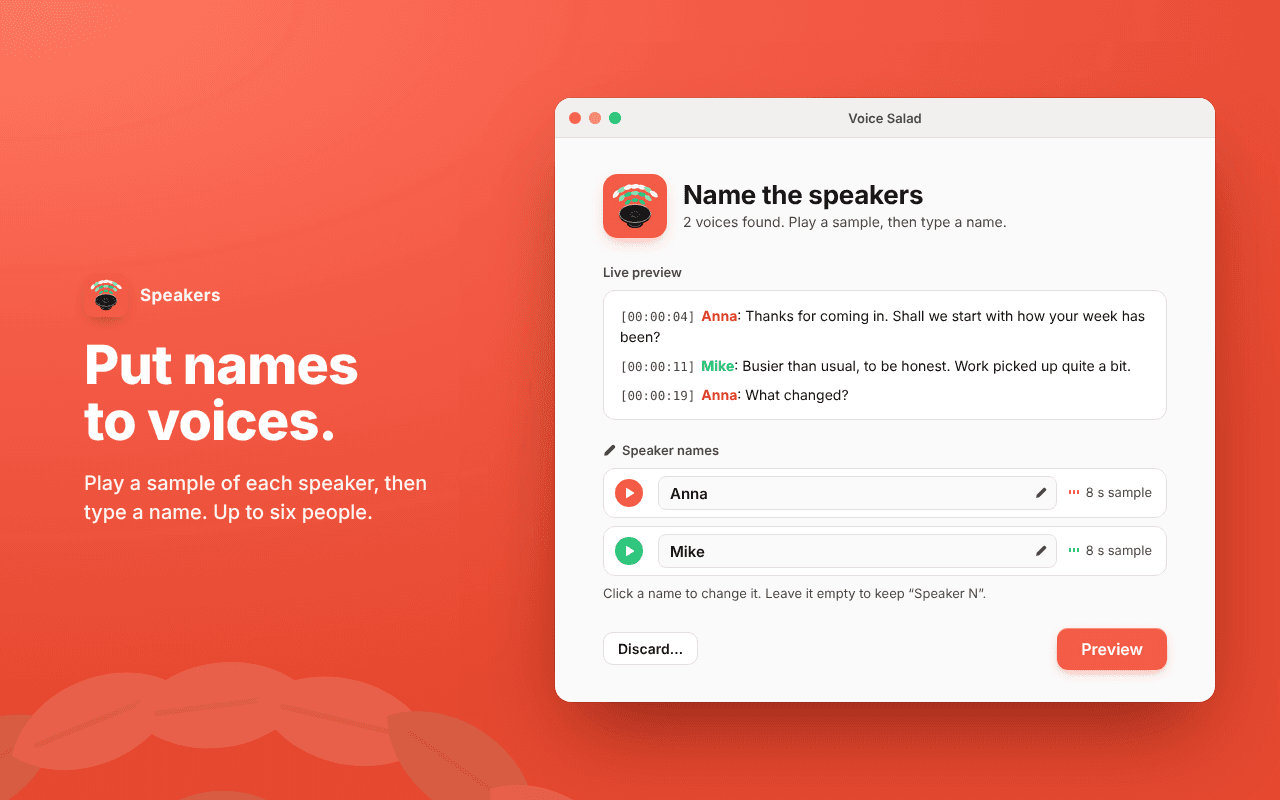
Who said what
Voices are told apart automatically. Play a short sample of each, then give them real names.
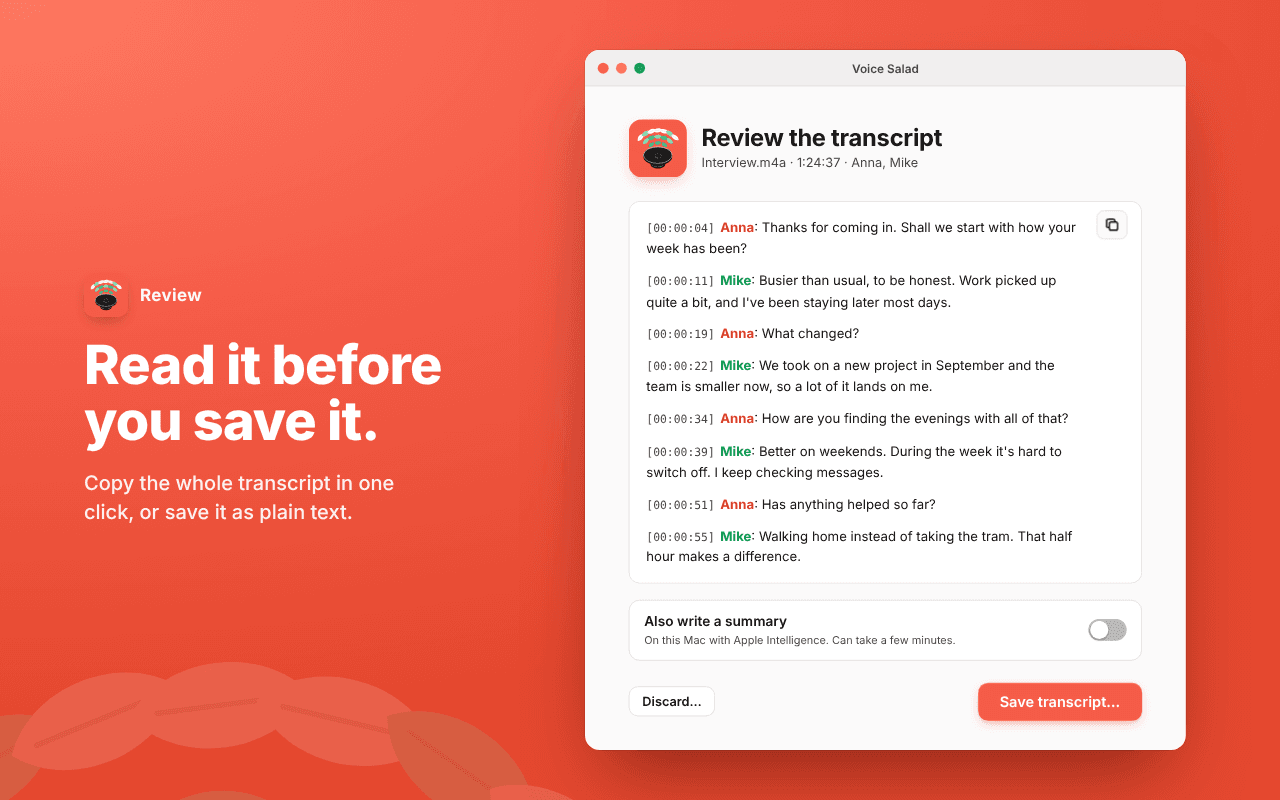
Read it, then save it
See the whole transcript before anything touches your disk. Copy it in one click or save it as text.
Optional, and on device
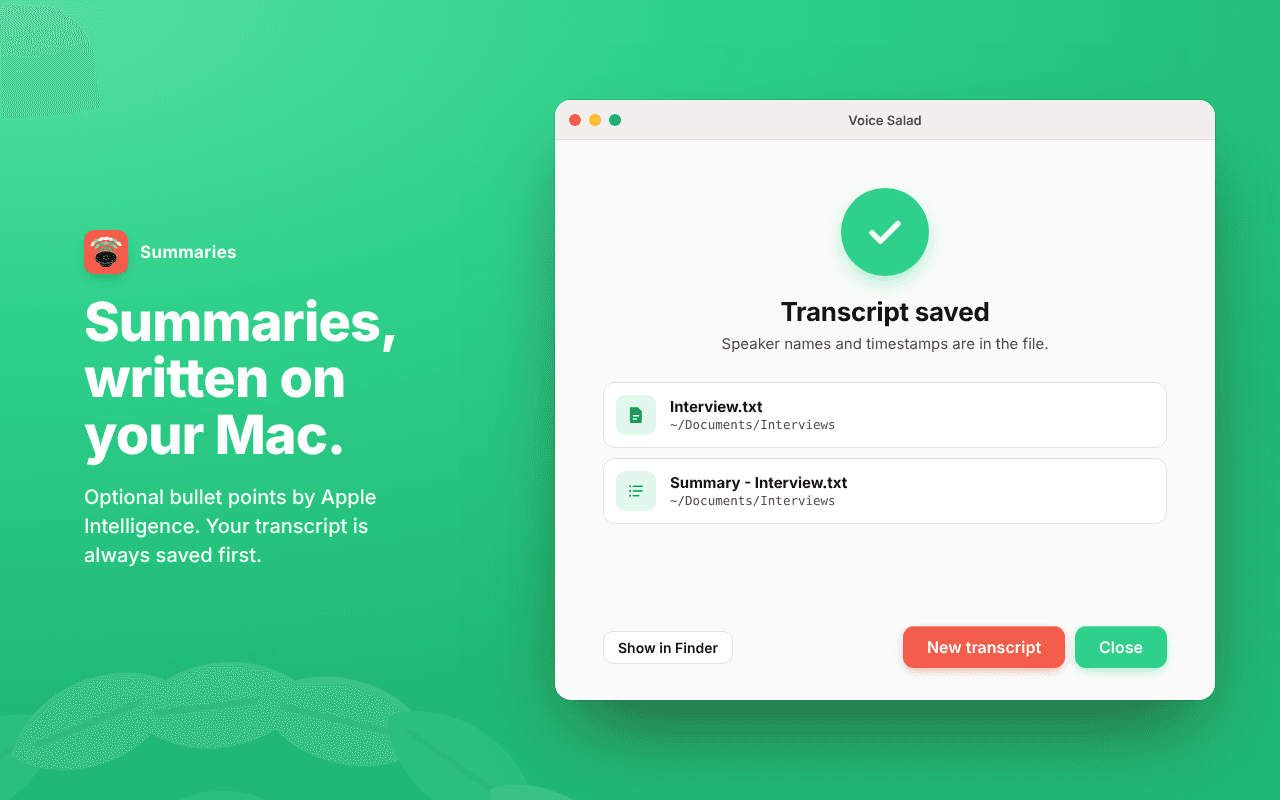
Bullet-point summaries by Apple Intelligence, on your Mac. The transcript is always saved first.
Built for long interviews
Made with 90-minute recordings in mind. Your Mac stays awake until it's done and lets you know.
- Fast engineNVIDIA Parakeet TDT 0.6B v3
- Accurate engineOpenAI Whisper large-v3, via WhisperKit
- Speaker detectionpyannote community-1, via FluidAudio
- SummariesApple Foundation Models
All models run on your Mac. Full credits and licences are in the app, under Voice Salad → Acknowledgements.
Privacy policy
Short version: Voice Salad collects nothing. Your recordings, transcripts and summaries stay on your Mac.
What we collect
Nothing. Voice Salad doesn't collect, store, transmit or share any personal data, usage data, analytics or crash reports. There is no account to create.
Your recordings and transcripts
Recordings are processed entirely on your Mac. Voice Salad only opens the files you choose or drop into it, and saves transcripts and summaries only where you choose in the save dialog. Temporary files made while transcribing are deleted when the work is done or cancelled.
Network access
The app goes online for one thing: downloading its speech models from Hugging Face, where they are hosted. This happens on first launch, and again the first time you choose the Accurate engine. Like any download, these requests reach Hugging Face's servers with your IP address. No audio, text or information about your recordings is ever sent. After that, Voice Salad works offline.
Summaries
Optional summaries are written by Apple's on-device model through Apple Intelligence, on your Mac. Voice Salad doesn't send your transcript anywhere to summarise it.
Permissions
Voice Salad asks for one permission: notifications, to tell you when a transcript is ready. Notifications are shown by your Mac and contain only the file name. You can turn them off in System Settings at any time. Voice Salad doesn't use your microphone or camera.
What stays on your Mac
The downloaded speech models and a few settings, such as whether first-time setup is done. They live in the app's own folder on your Mac and never leave it.
Third parties
There are none receiving your data. No analytics, advertising or tracking SDKs. The open-source components Voice Salad is built on run locally and are listed in the app's Acknowledgements.
Changes to this policy
Any changes will be posted on this page. Given there's nothing to collect, don't expect many.
Contact
Questions? Write to alex @ mnml.ro.
Last updated October 23, 2026